Staff Permissions Franchise | Walla Support Center
Staff Permissions Franchise
This article provides a comprehensive explanation of user roles and permission structures within a franchise configuration Walla site
User Types
Software permissions are assigned to every staff member and are divided into six types of users:
💼 Owner
📋 Business Manager
🏛️ Franchise Owner
🔑 Manager
💪 Instructor
🛎️ Desk Staff
Understanding Permission Access Levels
The levels of access that can be assigned to a user include:
👤 : Full edit/create permission
👁️ : View-only permission
⊘ : No permission
🔒 : Locked/non-editable feature
Tables can't be imported directly. Please insert an image of your table which can be found here.
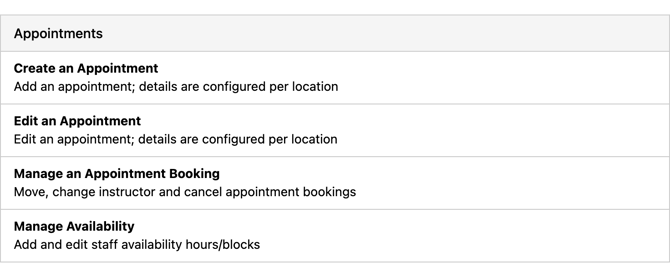
Appointments
Create an Appointment
Add an appointment; details are configured per location
Edit an Appointment
Edit an appointment; details are configured per location
Manage an Appointment Booking
Move, change instructor and cancel appointment bookings
Manage Availability
Add and edit staff availability hours/blocks
Tables can't be imported directly. Please insert an image of your table which can be found here.
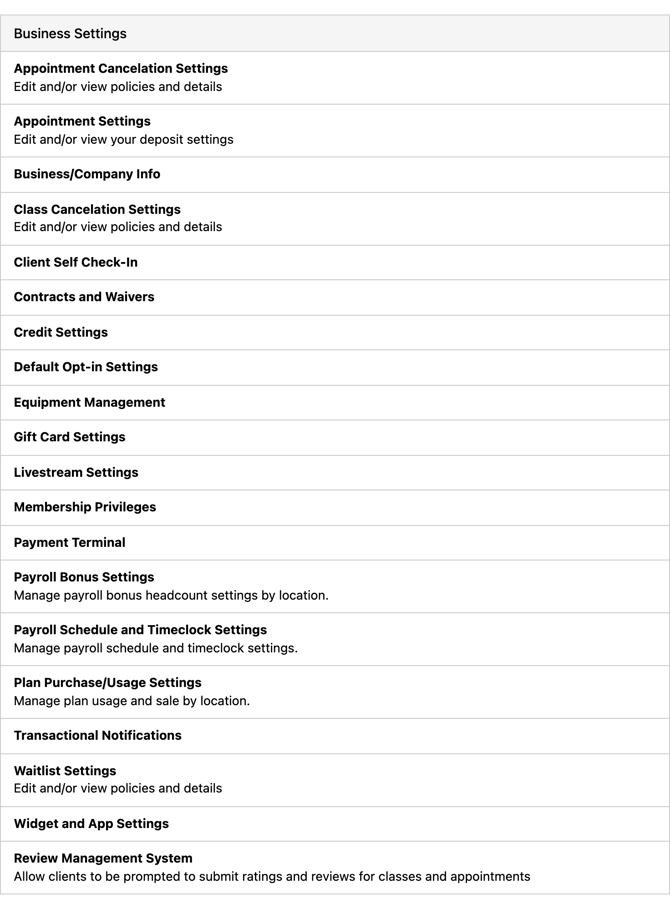
Business Settings
Appointment Cancelation Settings
Edit and/or view policies and details
Appointment Settings
Edit and/or view your deposit settings
Business/Company Info
Class Cancelation Settings
Edit and/or view policies and details
Client Self Check-In
Contracts and Waivers
Credit Settings
Default Opt-in Settings
Equipment Management
Gift Card Settings
Livestream Settings
Membership Privileges
Payment Terminal
Payroll Bonus Settings
Manage payroll bonus headcount settings by location.
Payroll Schedule and Timeclock Settings
Manage payroll schedule and timeclock settings.
Plan Purchase/Usage Settings
Manage plan usage and sale by location.
Transactional Notifications
Waitlist Settings
Edit and/or view policies and details
Widget and App Settings
Review Management System
Allow clients to be prompted to submit ratings and reviews for classes and appointments
Tables can't be imported directly. Please insert an image of your table which can be found here.
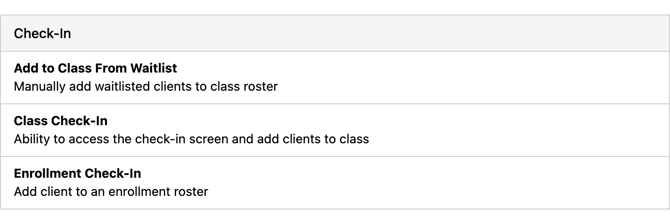
Check-In
Add to Class From Waitlist
Manually add waitlisted clients to class roster
Class Check-In
Ability to access the check-in screen and add clients to class
Enrollment Check-In
Add client to an enrollment roster
Tables can't be imported directly. Please insert an image of your table which can be found here.
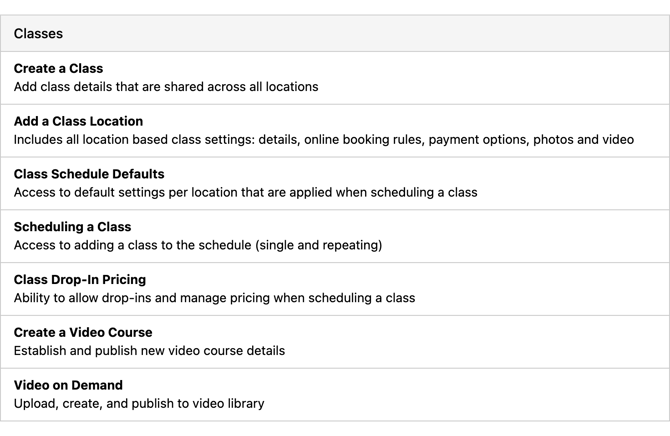
Classes
Create a Class
Add class details that are shared across all locations
Add a Class Location
Includes all location based class settings: details, online booking rules, payment options, photos and video
Class Schedule Defaults
Access to default settings per location that are applied when scheduling a class
Scheduling a Class
Access to adding a class to the schedule (single and repeating)
Class Drop-In Pricing
Ability to allow drop-ins and manage pricing when scheduling a class
Create a Video Course
Establish and publish new video course details
Video on Demand
Upload, create, and publish to video library
Tables can't be imported directly. Please insert an image of your table which can be found here.
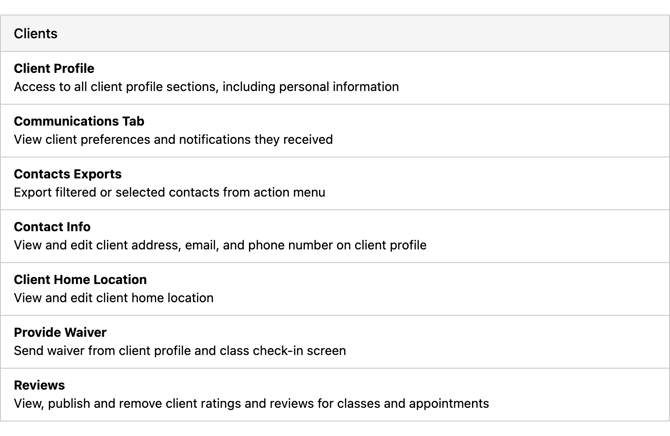
Clients
Client Profile
Access to all client profile sections, including personal information
Communications Tab
View client preferences and notifications they received
Contacts Exports
Export filtered or selected contacts from action menu
Contact Info
View and edit client address, email, and phone number on client profile
Client Home Location
View and edit client home location
Provide Waiver
Send waiver from client profile and class check-in screen
Reviews
View, publish and remove client ratings and reviews for classes and appointments
Tables can't be imported directly. Please insert an image of your table which can be found here.
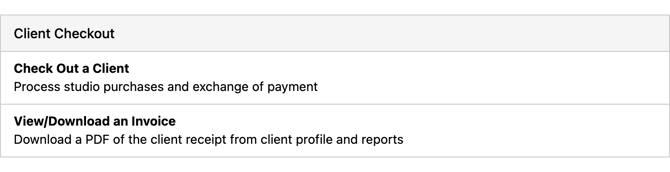
Client Checkout
Check Out a Client
Process studio purchases and exchange of payment
View/Download an Invoice
Download a PDF of the client receipt from client profile and reports
Tables can't be imported directly. Please insert an image of your table which can be found here.
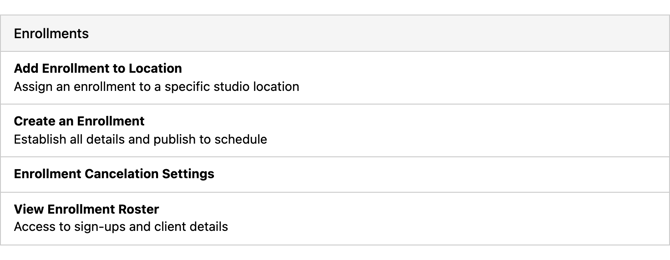
Enrollments
Add Enrollment to Location
Assign an enrollment to a specific studio location
Create an Enrollment
Establish all details and publish to schedule
Enrollment Cancelation Settings
View Enrollment Roster
Access to sign-ups and client details
Tables can't be imported directly. Please insert an image of your table which can be found here.
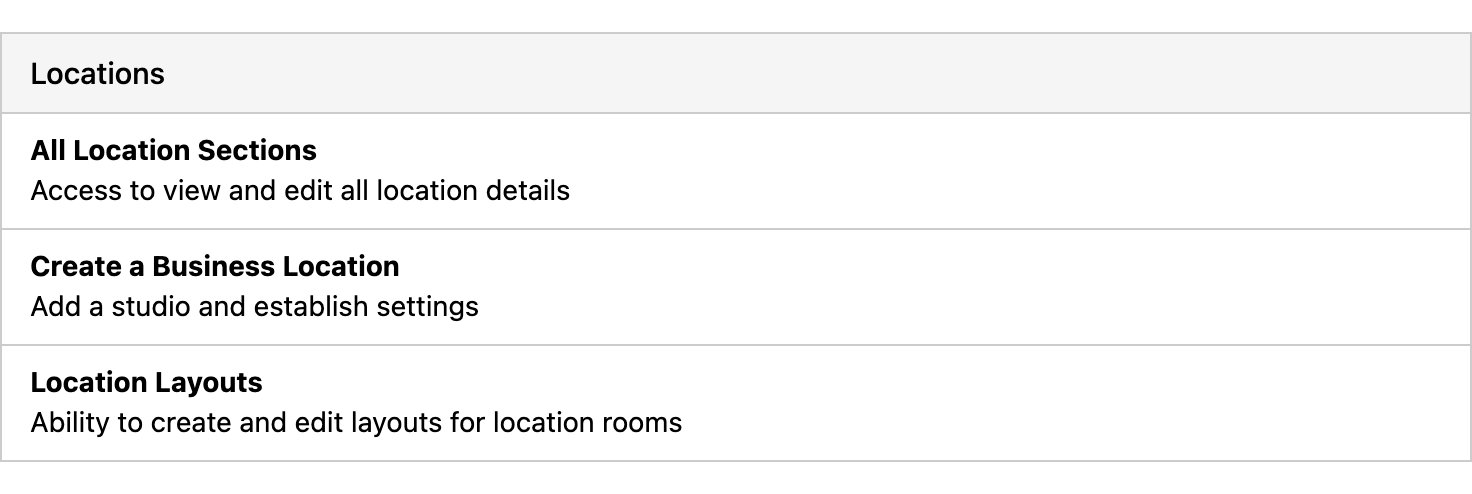
Locations
All Location Sections
Access to view and edit all location details
Create a Business Location
Add a studio and establish settings
Location Layouts
Ability to create and edit layouts for location rooms
Tables can't be imported directly. Please insert an image of your table which can be found here.
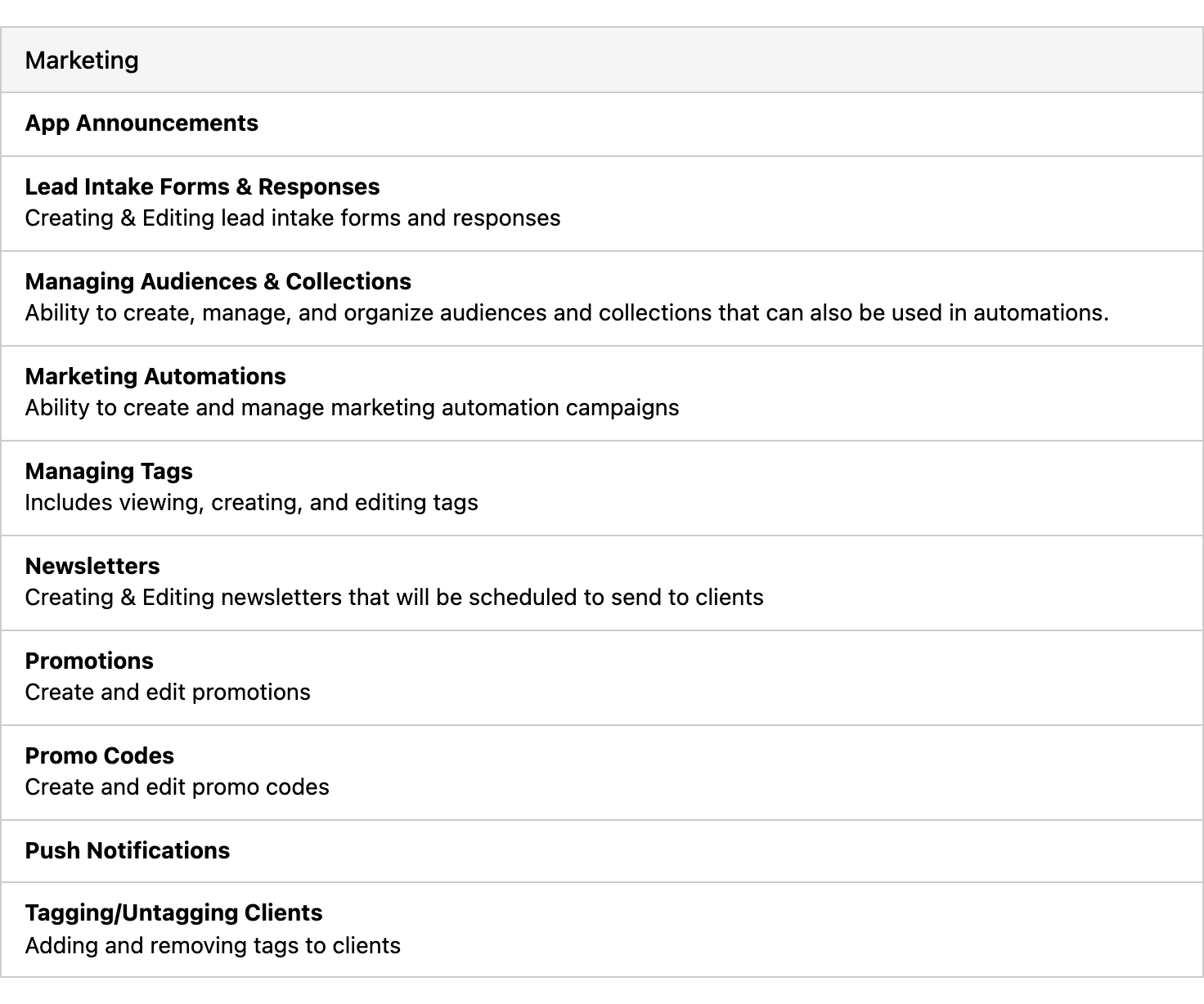
Marketing
App Announcements
Lead Intake Forms & Responses
Creating & Editing lead intake forms and responses
Managing Audiences & Collections
Ability to create, manage, and organize audiences and collections that can also be used in automations.
Marketing Automations
Ability to create and manage marketing automation campaigns
Managing Tags
Includes viewing, creating, and editing tags
Newsletters
Creating & Editing newsletters that will be scheduled to send to clients
Promotions
Create and edit promotions
Promo codes
Create and edit promo codes
Push Notifications
Tagging/Untagging Clients
Adding and removing tags to clients
Tables can't be imported directly. Please insert an image of your table which can be found here.
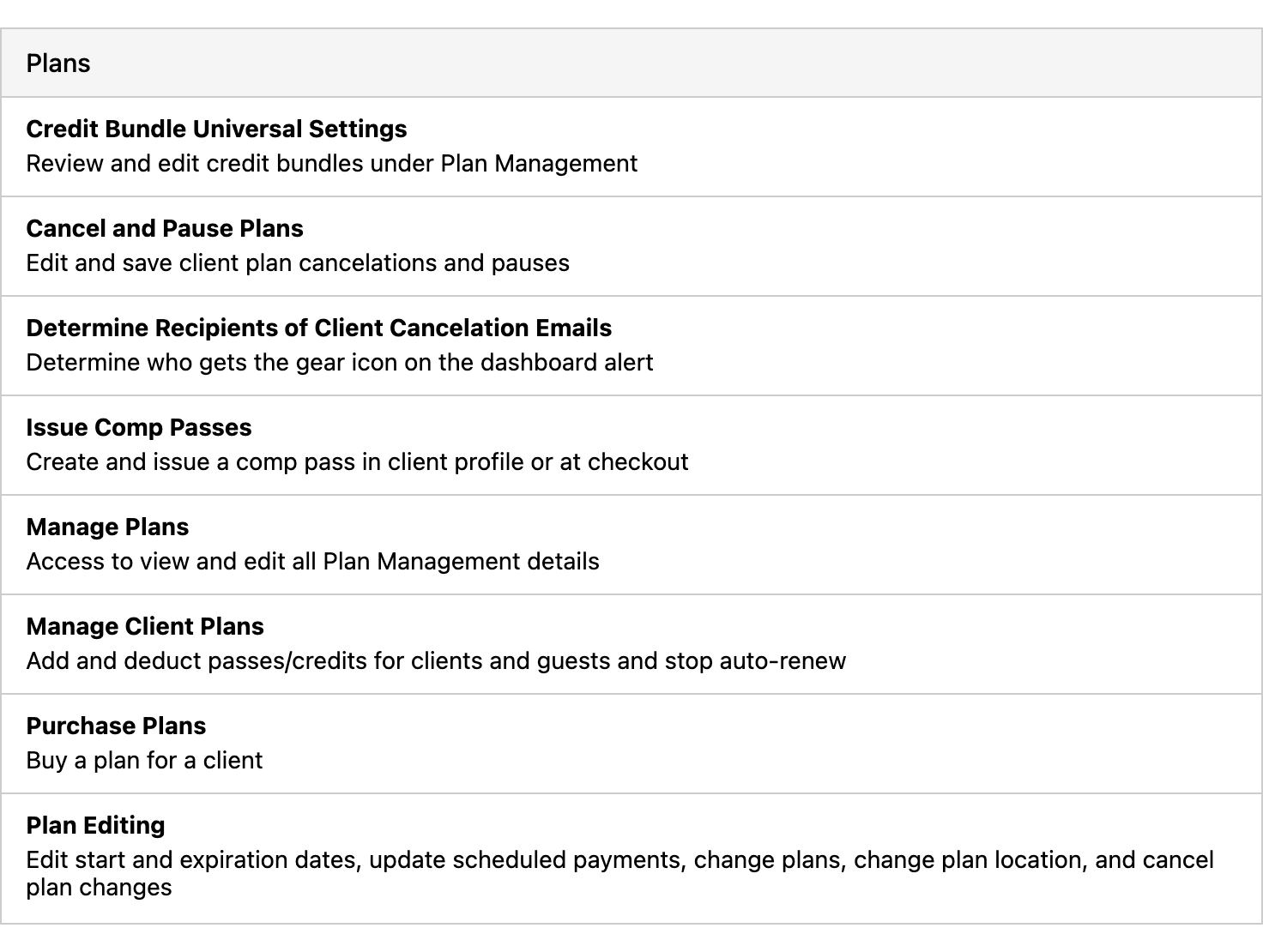
Plans
Credit Bundle Universal Settings
Review and edit credit bundles under Plan Management
Cancel and Pause Plans
Edit and save client plan cancelations and pauses
Determine Recipients of Client Cancelation Emails
Determine who gets the gear icon on the dashboard alert
Issue Comp Passes
Create and issue a comp pass in client profile or at checkout
Manage Plans
Access to view and edit all Plan Management details
Manage Client Plans
Add and deduct passes/credits for clients and guests and stop auto-renew
Purchase Plans
Buy a plan for a client
Plan Editing
Edit start and expiration dates, update scheduled payments, change plans, change plan location, and cancel plan changes
Tables can't be imported directly. Please insert an image of your table which can be found here.
Reports
Account Balance
Clients with account balance or account credit
Active Plans
Status and location of all plans
Appointment No-Show/Late Cancel
Penalties and fees
Appointment Revenue
Class Analysis
Revenue and profit per class, includes check-in screen stats
Class Attendance
Attendance and performance
Class Utilization
Utilization rates by location and by week, measured Mon - Sun.
Corporate Franchise Fees
Sales, Fees across groups and locations
Cross Visits
Class No-Show/Late Cancel
Penalties and fees
Daily Recap
Daily business metrics and performance
Expiring Cards
Client credit cards near expiration
First Purchase
New clients based on purchase date
First Visits
Visits based on timeframe
Gift Card Sales
Gift Card sales by location, revenue and quantity sold
Intro Offers
Performance, profitability, and conversions
KPIs
Key metrics rolled up for all locations
Left On Waitlist
View clients recently left on a class waitlist roster
Marketing Automation
Measure email and text metrics (sent, delivered, click-through rate)
MRR
Recurring revenue monthly
Payouts
Current and payments pending payouts
Plan Cancelations
See the top reasons why clients are canceling their plans
Plan Gain/Loss
Studio plan statuses and monthly performance
Plan Retention
Studio plan retention by cohort
Recurring Plan Payments
For unlimited and limited schedule-based recurring plans
Retail
Sales
Cash flow and financial billing details
Teacher Ranking
Capacity, retention and revenue
Transaction Export
Export transaction file and report
Upcoming Appointments
Upcoming Bookings
Visits by Client
Total Visits, highest to lowest, with a minimum of 1 visit
Tables can't be imported directly. Please insert an image of your table which can be found here.
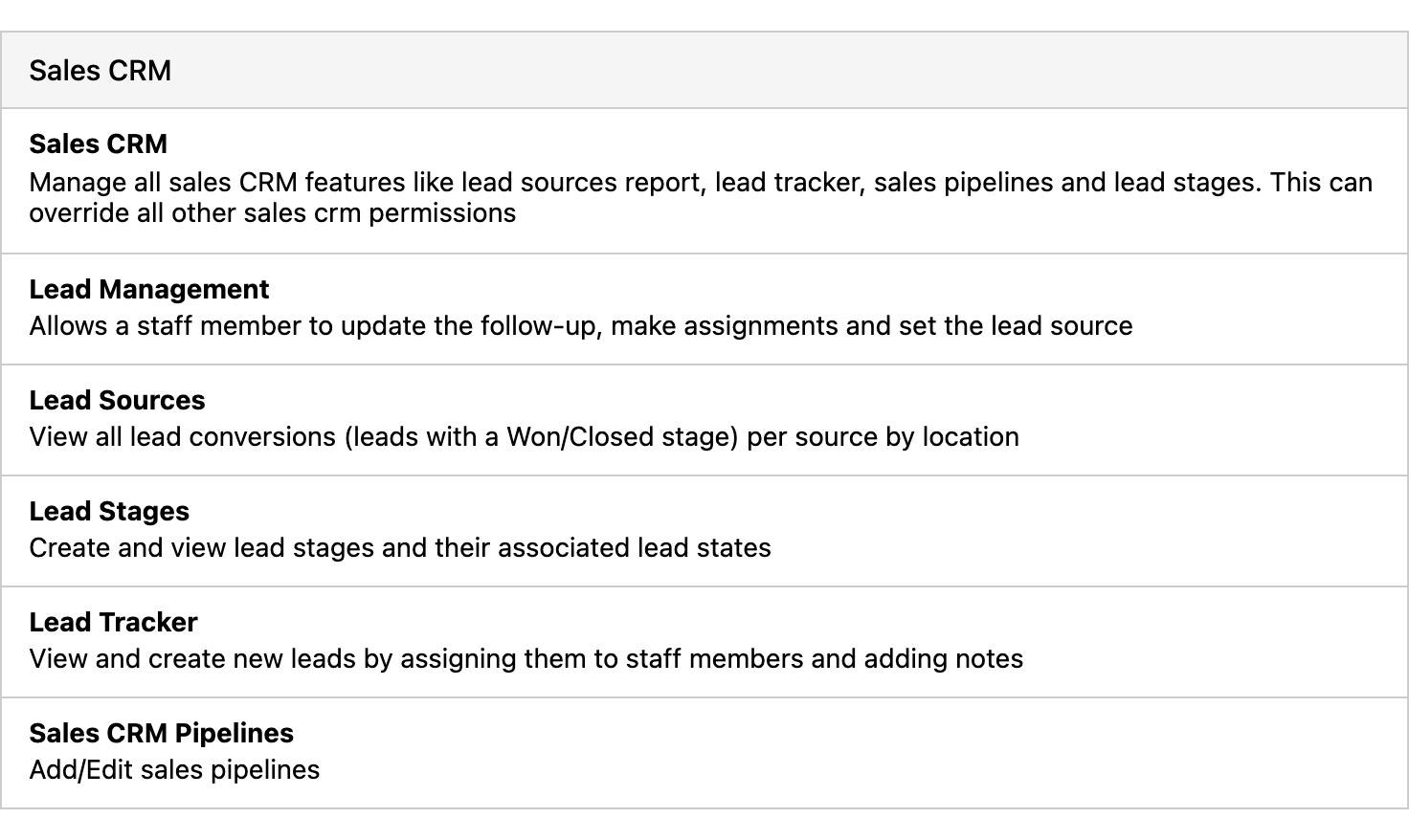
Sales CRM
Sales CRM
Manage all sales CRM features like lead sources report, lead tracker, sales pipelines and lead stages. This can override all other sales crm permissions
Lead Management
Allows a staff member to update the follow-up, make assignments and set the lead source
Lead Sources
View all lead conversions (leads with a Won/Closed stage) per source by location
Lead Stages
Create and view lead stages and their associated lead states
Lead Tracker
View and create new leads by assigning them to staff members and adding notes
Sales CRM Pipelines
Add/Edit sales pipelines
Tables can't be imported directly. Please insert an image of your table which can be found here.
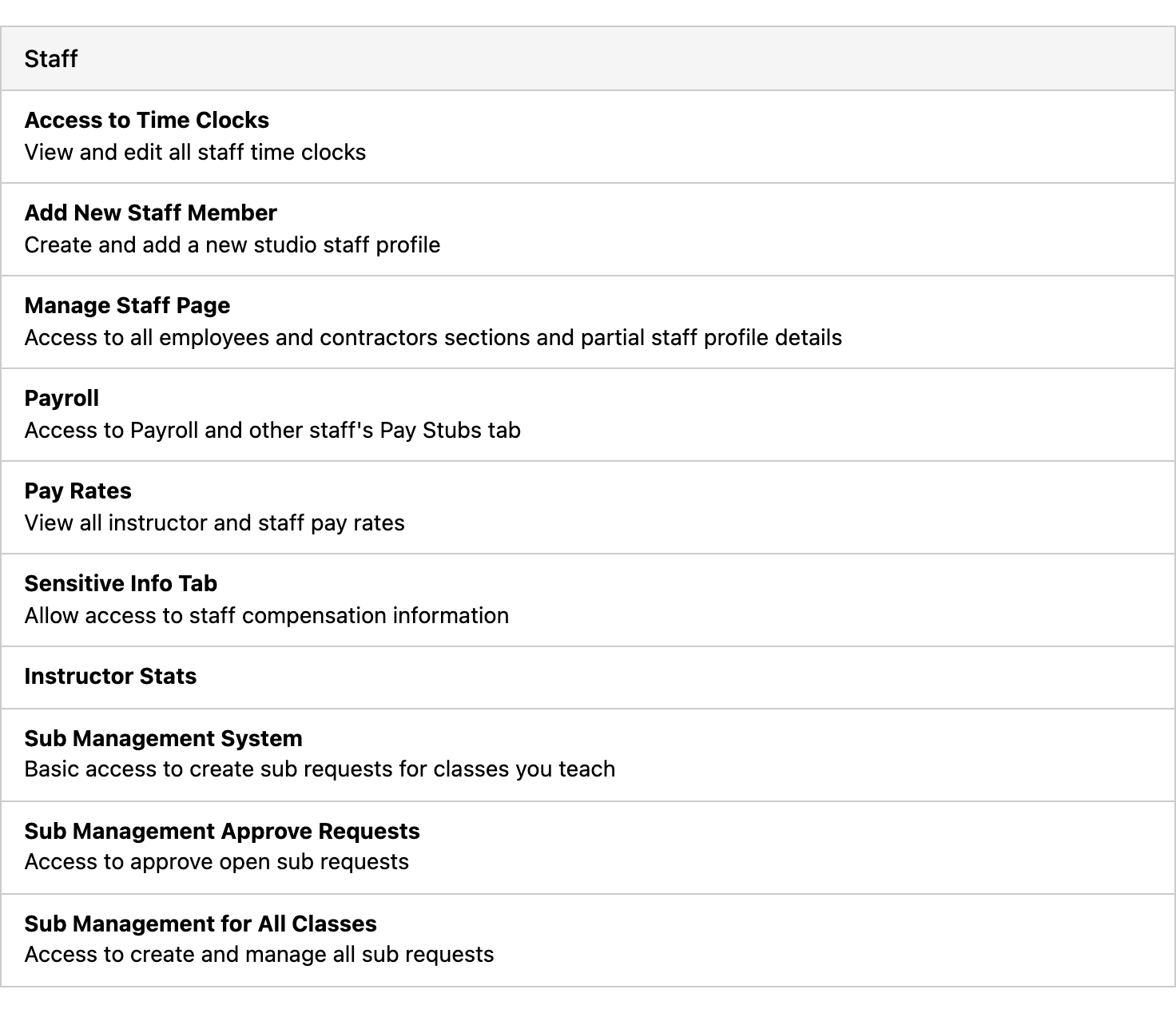
Staff
Access to Time Clocks
View and edit all staff time clocks
Add New Staff Member
Create and add a new studio staff profile
Manage Staff Page
Access to all employees and contractors sections and partial staff profile details
Payroll
Access to Payroll and other staff's Pay Stubs tab
Pay Rates
View all instructor and staff pay rates
Sensitive Info Tab
Allow access to staff compensation information
Instructor Stats
Sub Management System
Basic access to create sub requests for classes you teach
Sub Management Approve Requests
Access to approve open sub requests
Sub Management for All Classes
Access to create and manage all sub requests
Tables can't be imported directly. Please insert an image of your table which can be found here.
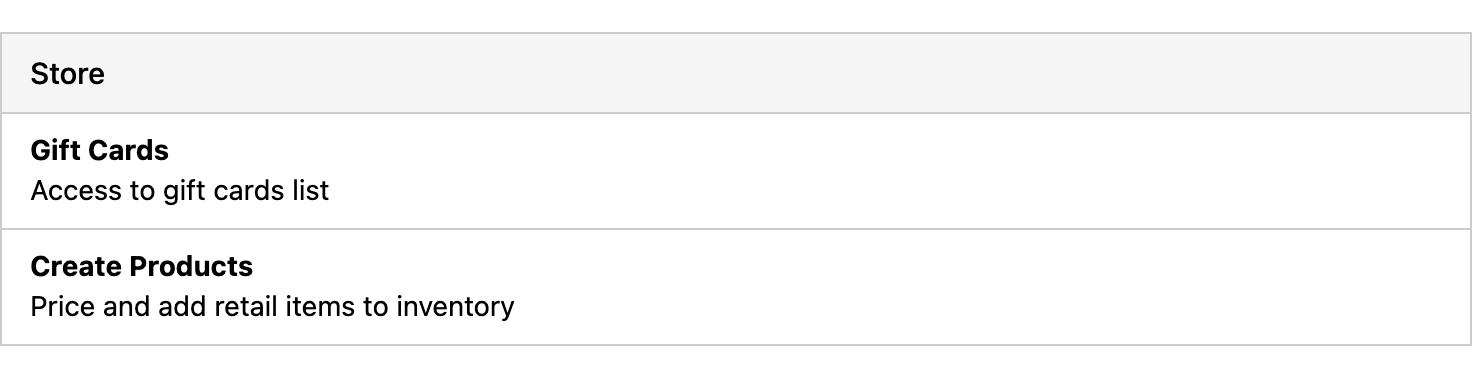
Store
Gift Cards
Access to gift cards list
Create Products
Price and add retail items to inventory
Tables can't be imported directly. Please insert an image of your table which can be found here.
Tasks
Managing Tasks
Includes viewing, creating, and editing a task